
2026-11-06
How to Use Watercolor Christmas Clipart: A Step-by-Step Guide
Watercolor Christmas clipart turns a plain card, gift tag or planner page into something that looks hand-painted — without you having to paint anything. Our Christmas clipart packs are original watercolor illustrations saved as high-resolution PNG files, so you can drop them into a card, a sticker sheet or a printable wall art print in minutes. This guide shows you exactly how, step by step. No design experience needed: if you can drag and drop, you can do this.
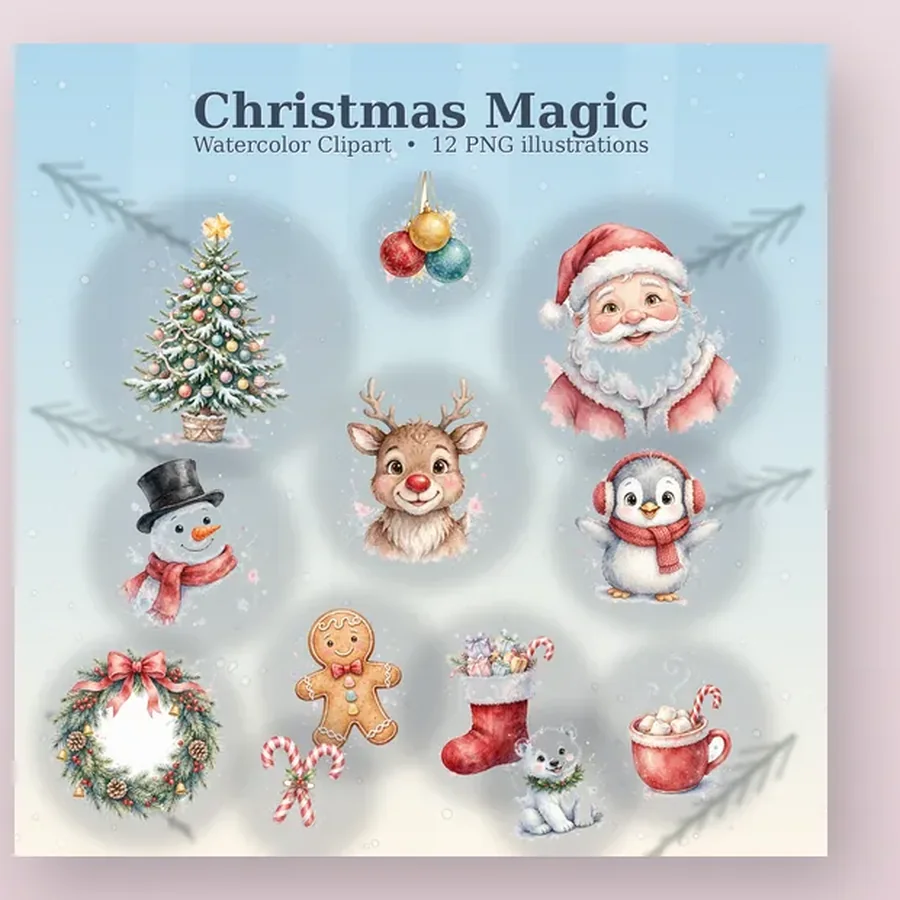
How to use watercolor Christmas clipart in 5 easy steps
Step 1: Choose your clipart pack
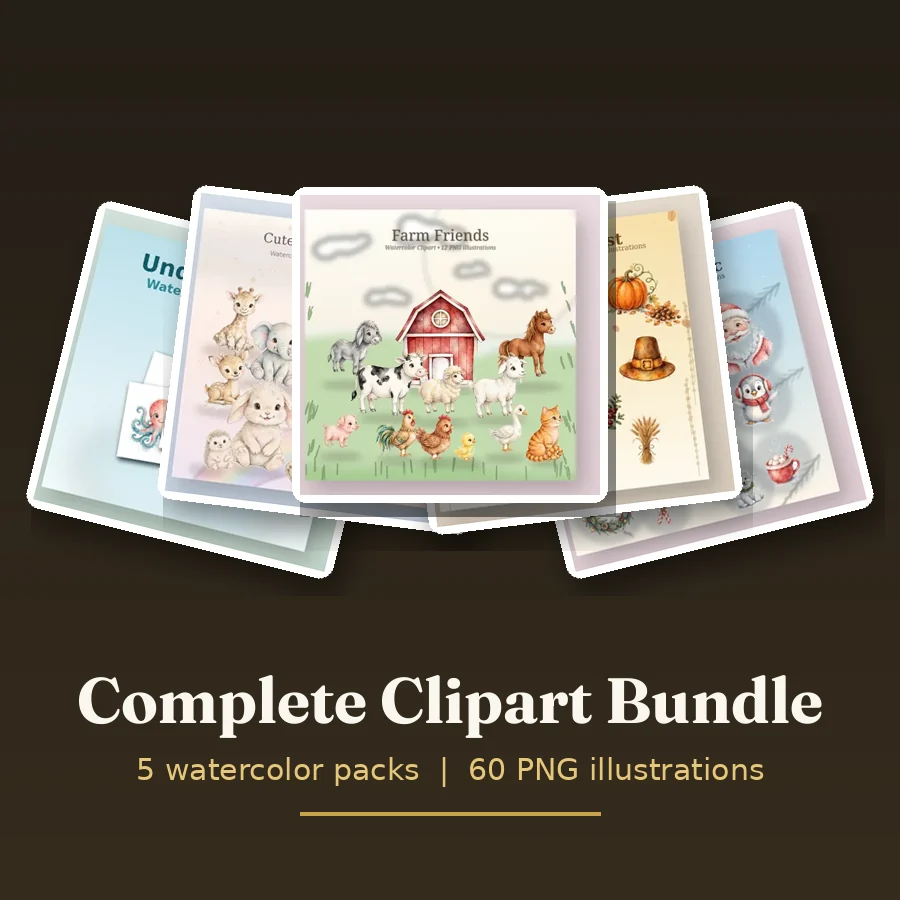
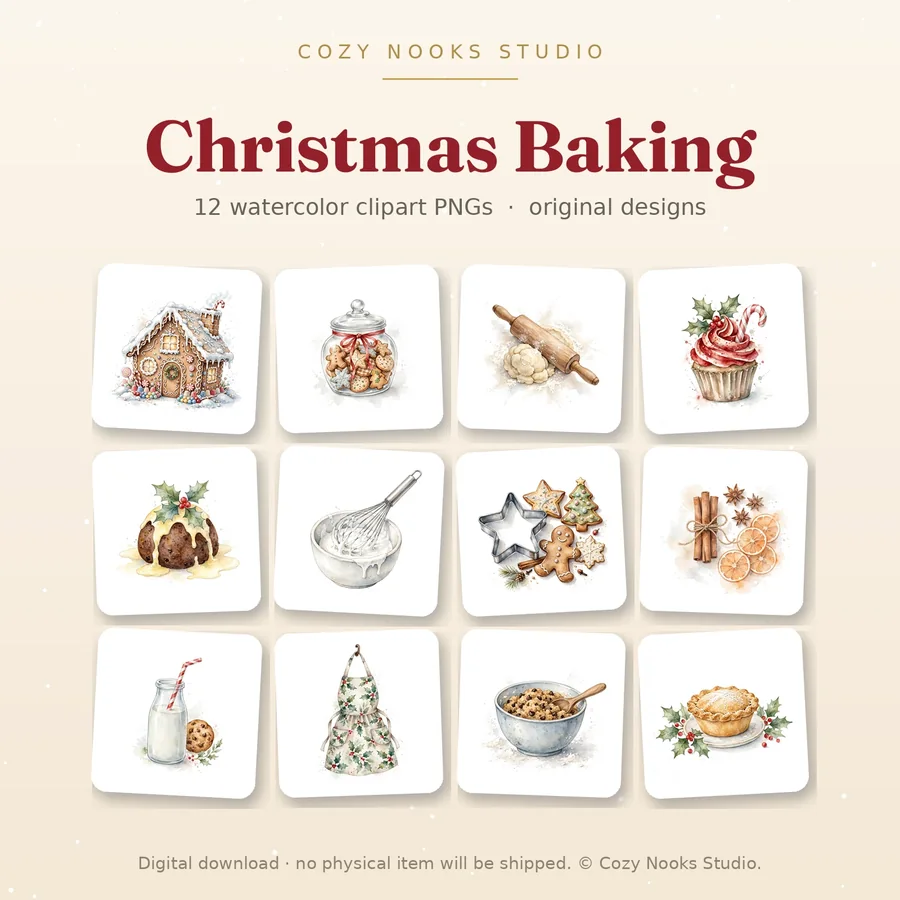
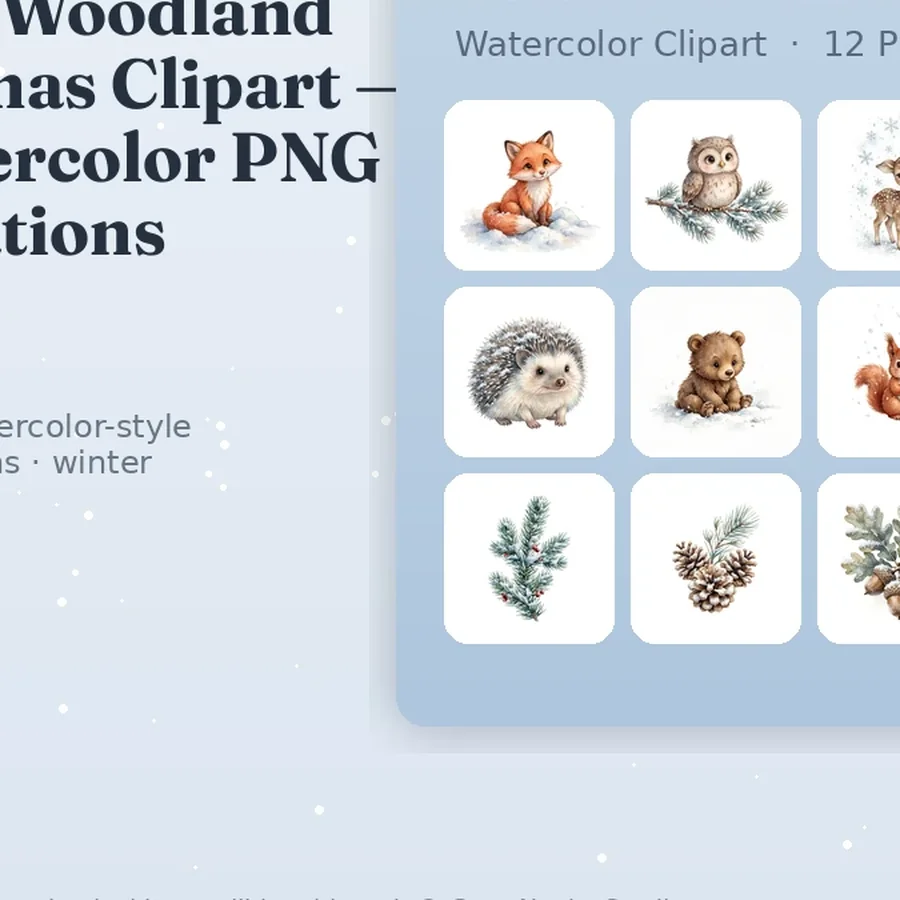
Start by picking a pack that matches your project. Christmas Magic has 12 classic Christmas illustrations — trees, ornaments, candy canes and more. Winter Woodland is softer, with snowy trees and woodland animals. Christmas Baking suits recipe cards and kitchen gifts. Every pack costs $5.00 and includes 12 original hand-painted PNG illustrations with transparent backgrounds at 300 DPI. Want all five packs? The Complete Clipart Bundle is $15.00 — a big saving.
Step 2: Download and unzip
After checkout with PayPal, your download button appears on your order page straight away — no waiting for an email. Click it to download a ZIP file, then double-click the ZIP to unzip it. Inside you will find your 12 PNG files, ready to use. Each file has a transparent background, so it sits cleanly on any colour or paper, with no white box around the picture.
Step 3: Drop it into your design
Open a free design tool such as Canva and start a new design — a 5 × 7 inch card is a good size. Upload your PNG, drag it onto the page, and resize it by pulling a corner. Because the PNGs are high resolution, they stay sharp even when you make them bigger. Add a second illustration, or layer one behind your text, for a fuller scene. This is also how you make Christmas stickers: place several PNGs on one page, print on sticker paper, and cut them out.
Step 4: Add your message and print
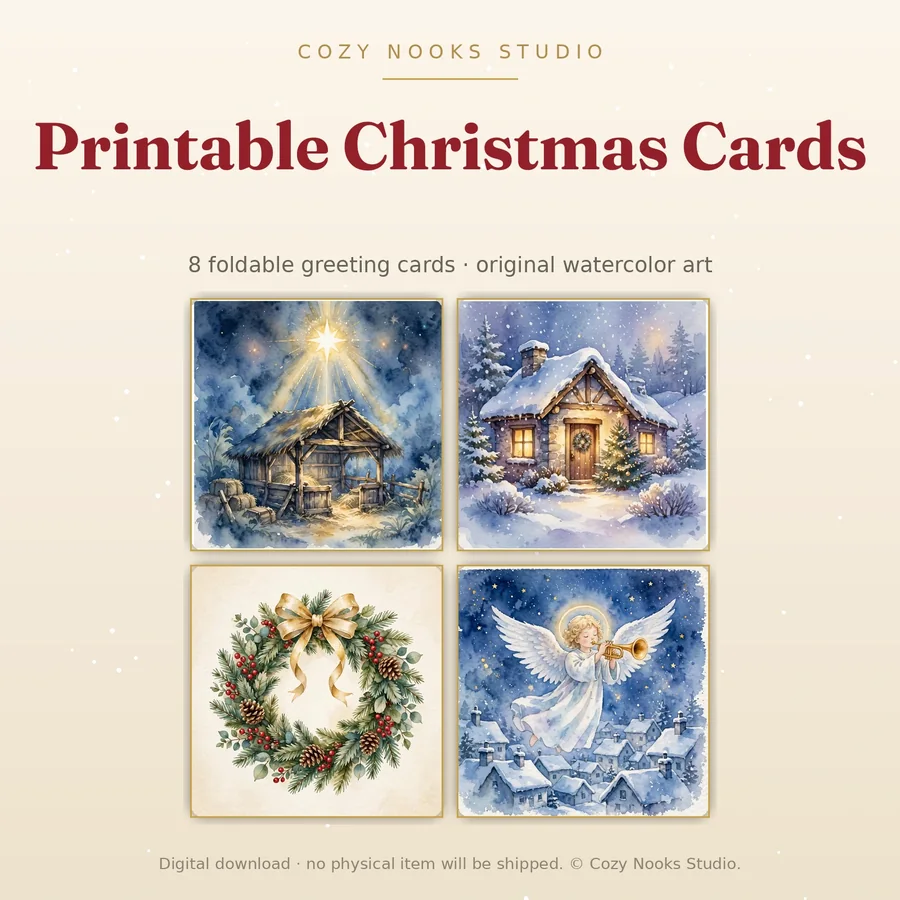
Type your message in a clear, readable font and keep it short — 'Merry Christmas' and a name is enough. In the print dialog, choose 'Actual size' (100 percent) and the highest quality setting. Cardstock (200–250 gsm) is best for cards and gift tags; matte photo paper suits printable wall art. Print one test page first, then run the full batch.
Step 5: Cut, fold and finish
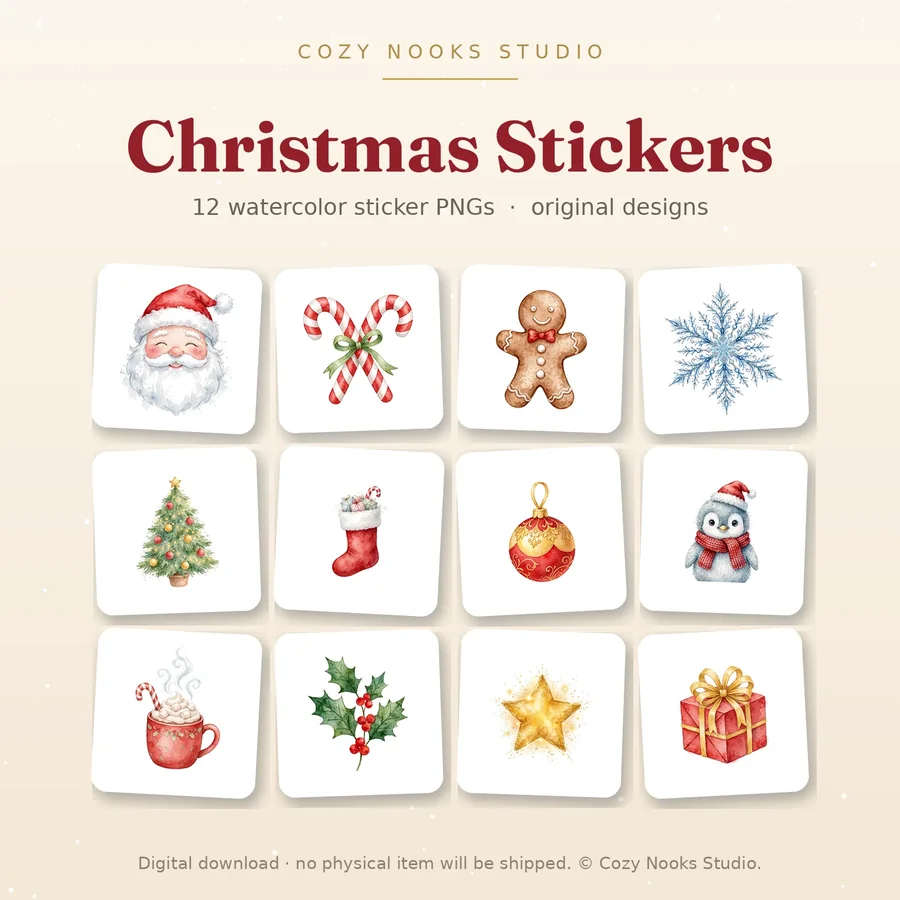
Cut along the edges with a paper trimmer or sharp scissors, fold your card in half and press the crease with a ruler. Add ribbon, a wax seal or a hand-written note inside — small touches are what make a printed card feel handmade. Your card is ready to post, gift or frame.
What is included in every clipart pack
Every Cozy Nooks Studio clipart pack includes 12 original watercolor PNG illustrations, transparent backgrounds, 300 DPI high resolution, and a personal license — use them on cards, gifts, planners and scrapbooks for yourself and your family. A commercial license is available on the product page if you sell what you make. Files arrive as an instant download ZIP: pay once with PayPal and download straight away.
How Cozy Nooks Studio works
Cozy Nooks Studio is a small independent studio making original watercolor clipart, Christmas printables, printable wall art and practical ebooks. Everything is a digital download: pick a product, choose your license, pay securely with PayPal, and download from your order page immediately. There is no shipping and nothing to wait for — your Christmas printables are ready in minutes. Browse the full Christmas printables collection to find your pack.
Start with one pack, make one card today, and see how easy it is. And if anything in your file looks off, email us at [email protected] and we will sort it out within 48 hours.